NEX-PC104 / NEX-PC104+

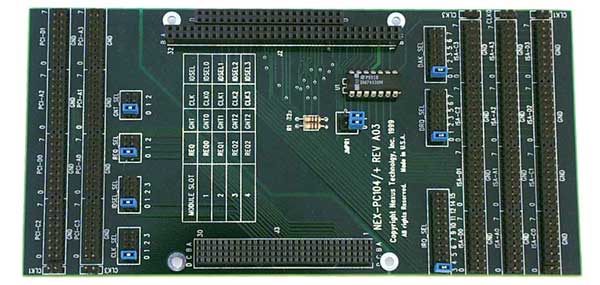
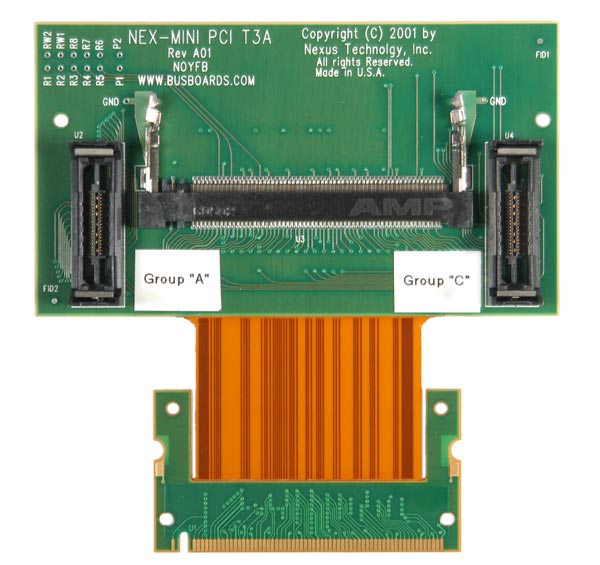
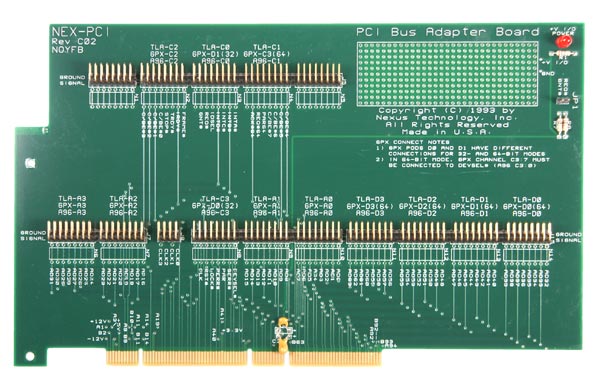
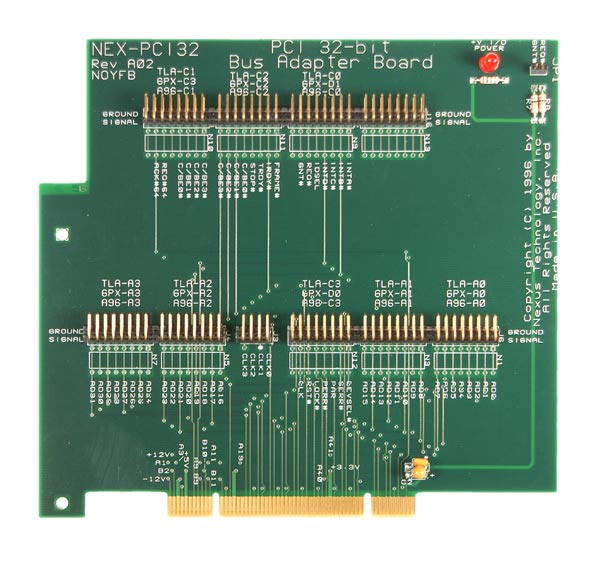
The NEX-PC104 and NEX-PC104+ are individual products. Please review and order the appropriate product for your application. The NEX-PC104 and PC104+ product ships with the same adapter. The difference is the software support provided. The NEX-PC104 product provides software for PC104/ISA 8 and 16-bit acquisition and symbolic display. The NEX-PC104+ products includes the PC104/ISA software for 8 and 16-bit PC104/ISA support and adds support for PC104+/PCI.

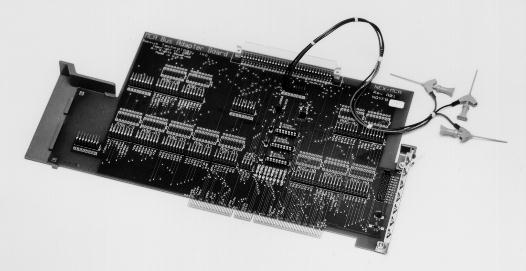
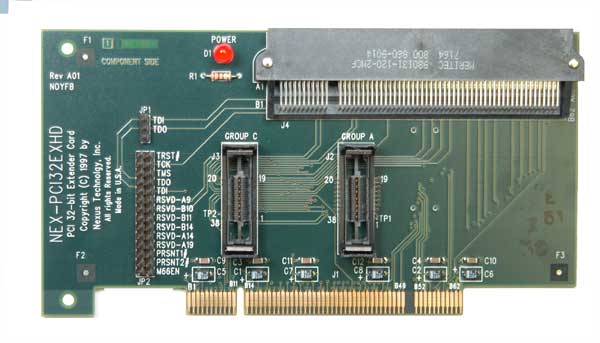
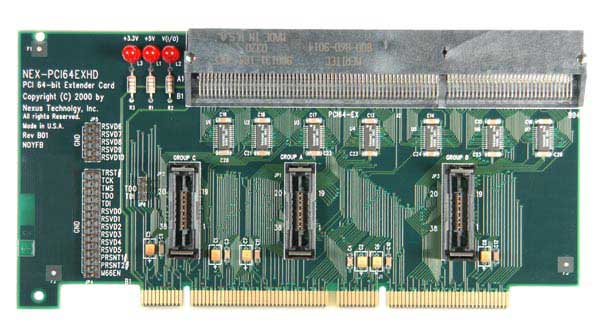
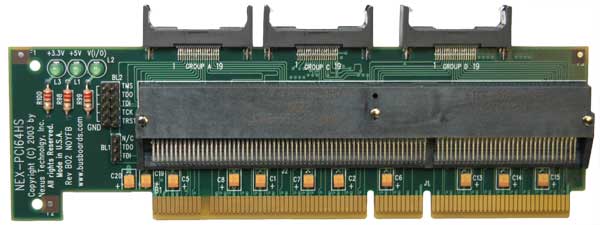
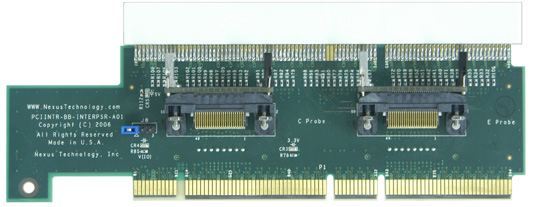
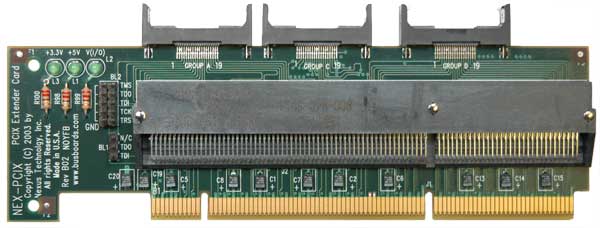
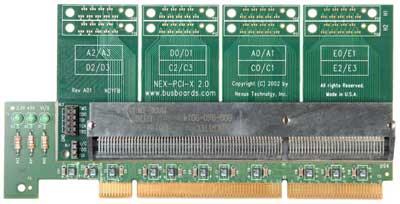
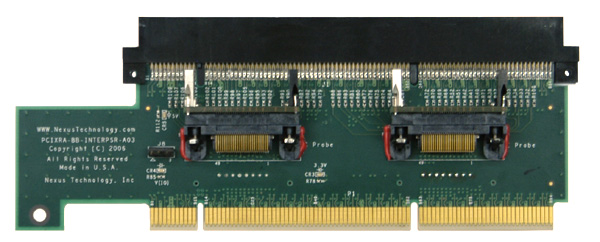
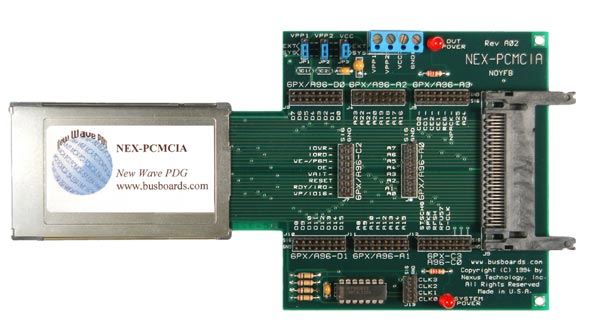
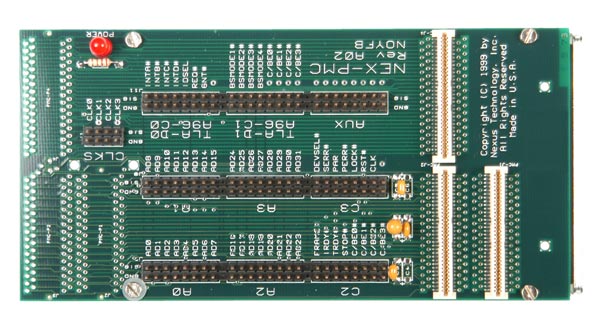
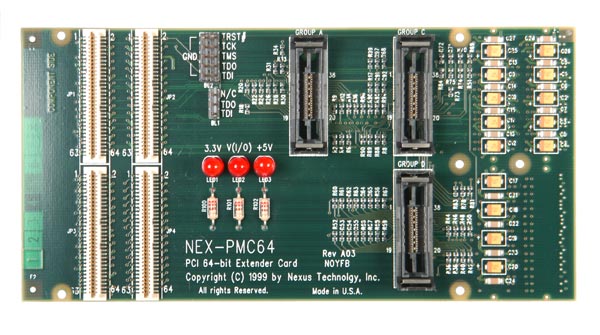
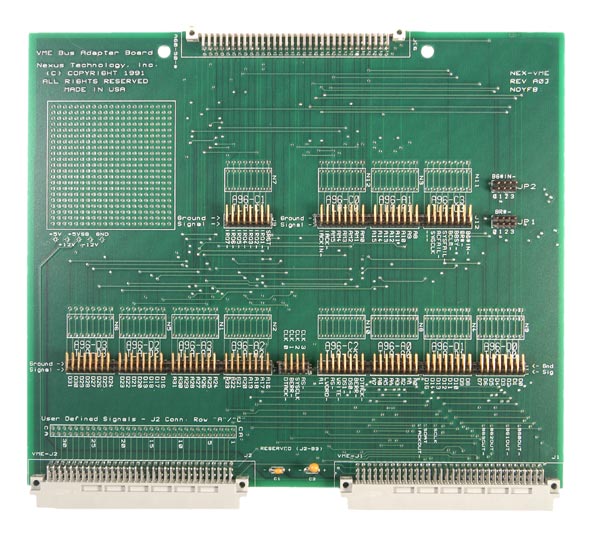
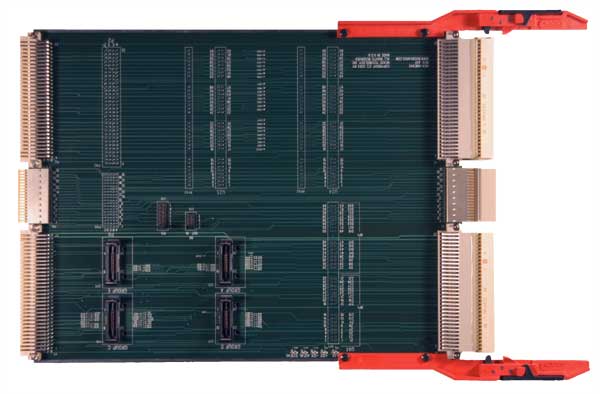
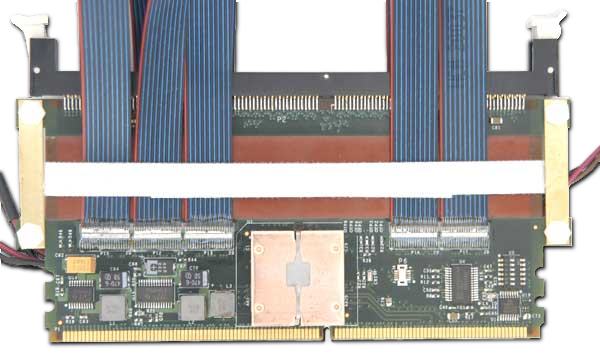
The NEX-PC104 product provides clocking, setup, symbolic disassembly, and a quick convenient connection to the PC104 Bus. The software supports 8 or 16-bit PC104/ISA. Extender card design, uses Tek standard probes (P6417 or P6418).

The NEX-PC104+ product provides clocking, setup, symbolic disassembly(PC104/ISA) disassembly (PC104+/PCI), and a quick convenient connection to the PC104 Bus. The included PC104 software supports 8 or 16-bit PC104/ISA. The PC104+ software supports PC104+/PCI. Extender card design, uses Tek standard probes (P6417 or P6418). Please note: there are two separate products-NEX-PC104 and NEX-PC104+. Please specify the appropriate product when ordering.

Disassembly: NEX-PC104: This software supports PC104/ISA 8 or 16-bit. It provides intelligent clocking of the PC104/ISA bus and symbolic translation of the acquired data. For example MEMW, IOR and SMEMR cycles are identified. See NEX-PC104/ISA Screen Shot.

NEX-PC104+: The NEX-PC104 software described above is included. Also software disassembly support is added for PC104+/PCI: Class, Sub-Class, and Prog. I/F information is displayed in hexadecimal form, but then is further decoded to tell the user exactly what Class and Sub-Class of device is being accessed (Mass Storage, Display, Network, etc.). The command and status registers are decoded, the bit-level information displayed in easily understood form. Disassembly Screen Shot 1 is a screen shot showing both of these features, with Disassembly Screen Shot 2 showing the read from the status register and the setting of a control bit through a Configuration Write.

Invalid data bytes are dashed out during valid Data Cycles.

There are also 3 Select Fields in the Define Format menu of the Disassembly Display. These fields permit choosing whether I/O, Memory, and Configuration Cycles are highlighted or displayed normally. Changing the Display Format from Hardware to Software, Control Flow, or Subroutine will suppress the display of those cycles that are set to Normal mode. This permits focusing in on information that is of interest. Display Format Screen Shot shows the Define Format menu window.

Timing Analysis: By acquiring data in asynchronous mode on the Tektronix Logic Analyzer, high speed accurate timing measurements can be made of the PC104 Bus up to 2Ghz (500 ps) using a Tek TLA700 system..

Correlating Bus Activity: While the NEX-PC104+ package is being used to monitor the ISA/PCI backplane activity, another acquisition module can be used to monitor activity elsewhere in the system. The results of the two acquisitions can be correlated in time to determine the sequence of actions that occurred. For instance, the system microprocessor could be monitored and correlated with bus activity to verify the proper response to an external interrupt condition. Also, both buses on the PC104+ bus (ISA and PCI) could be simultaneously monitored, correlated and displayed.

LAs Supported / Channel Count Requirement
Product Extender Board TLA600/700 Support (Can be used with TLA7L/M/N/P or Q cards)DAS9200 & TLA500 (92A96/C96) Support Prism 3000 32 GPX Support TLA700 Channels Required Notes
NEX-PC104 YY NN 68 or 102 channel, see datasheet for details 8 and 16-bit PC104/ISA support, extender design
NEX-PC104+ YY NN 68 or 102 channel for PC104/ISA. 68 channels for PC104+/PCI. 8 and 16-bit PC104/ISA support and PC104+/PCI support